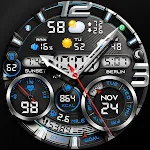
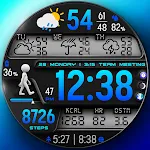
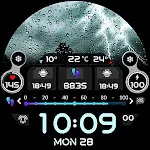
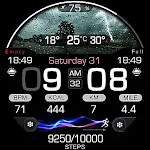
 PER23 Digital Watch Face
4.0

Personalization
Ratings
Downloads
Age
Advertisement
Advertisement
Name
Category
Price
Safety
Developer
Version
🌟 Built for Wear OS
[ Only for Wear OS 5+ devices (API 34+)]
📌 INSTALLATION NOTES:
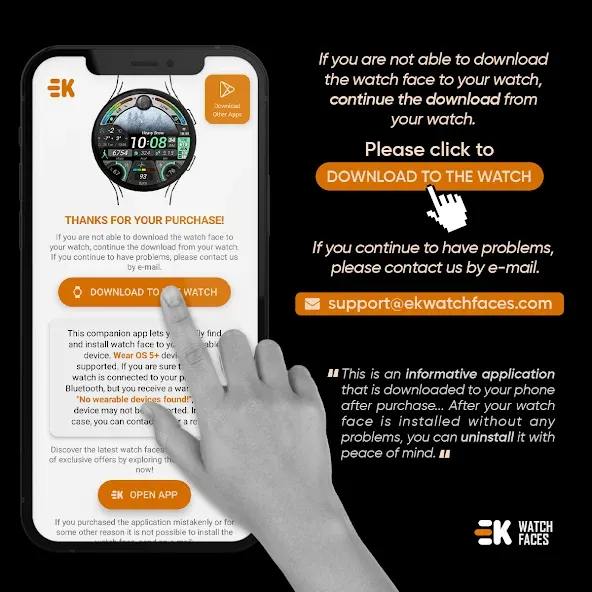
1 - 🔗 Ensure your watch is properly connected to your phone. Open the Phone App on your phone and tap on “DOWNLOAD TO THE WATCH”, then follow the instructions on your watch.
⌛ A few minutes after tapping the install button on your watch, the watch face will be installed. You can then select your new watch face!
📱 The phone app serves as a placeholder to make it easier to install and find the watch face on your Wear OS device.
⚠️ Note: If you find yourself stuck in a payment loop, don’t worry! You will only be charged once, even if prompted to pay again. Wait 5 minutes or restart your watch and try again. This could be a synchronization issue between your device and Google servers.
2 - 💻 Alternatively, you can try installing the watch face from a web browser on your PC.
⚠️ Please note that any issues on this side are NOT developer-dependent. The developer has no control over the Play Store from this side. Thank you.
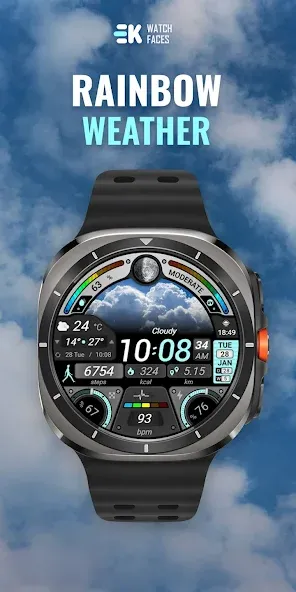
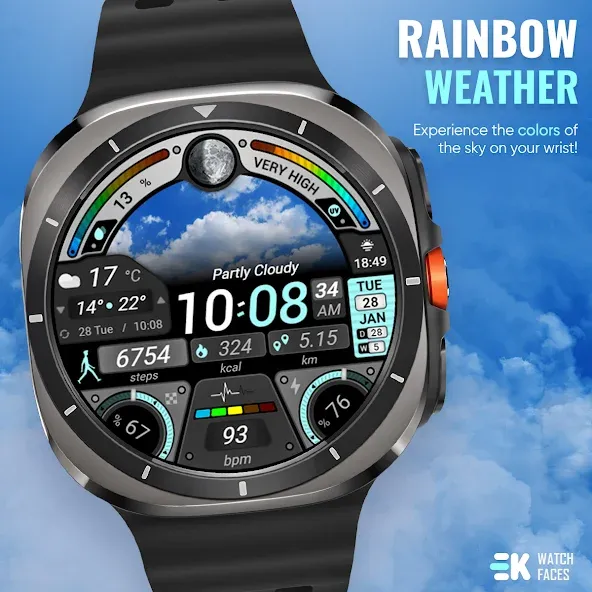
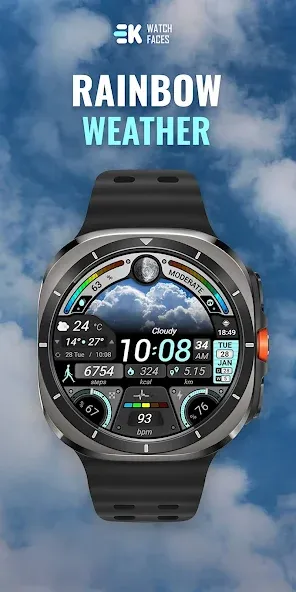
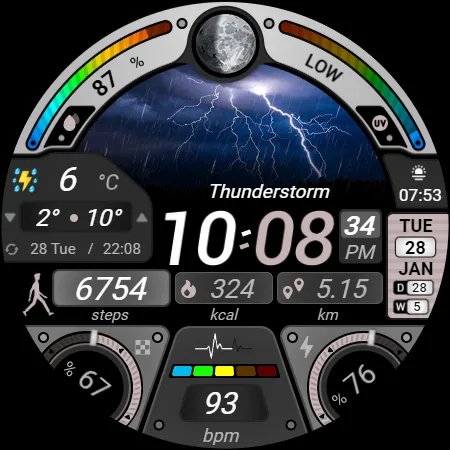
🌈 Experience the colors of the sky on your wrist!
FEATURES
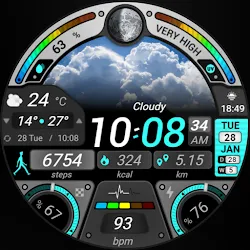
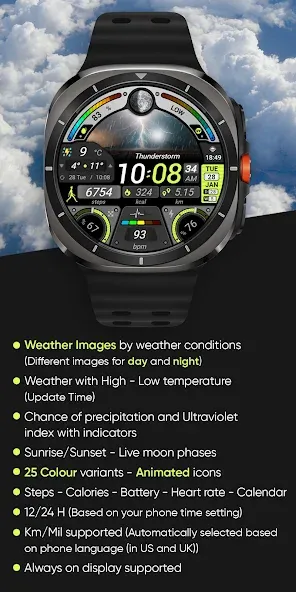
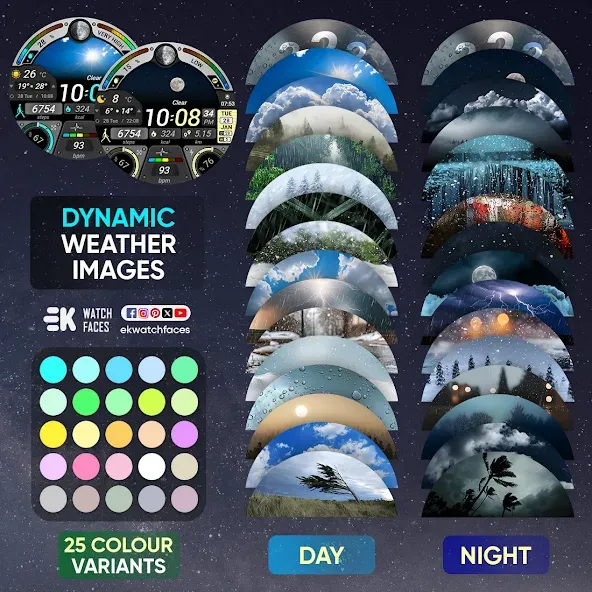
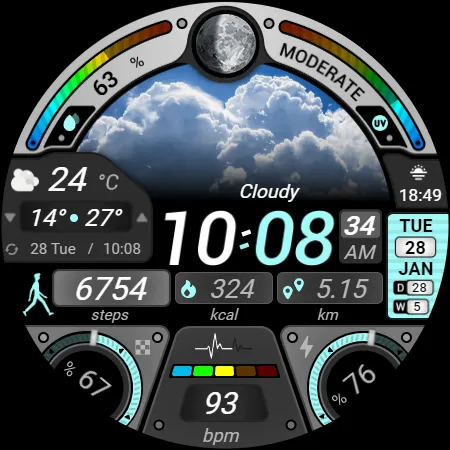
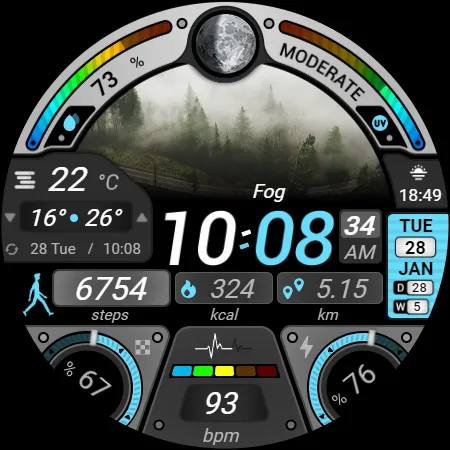
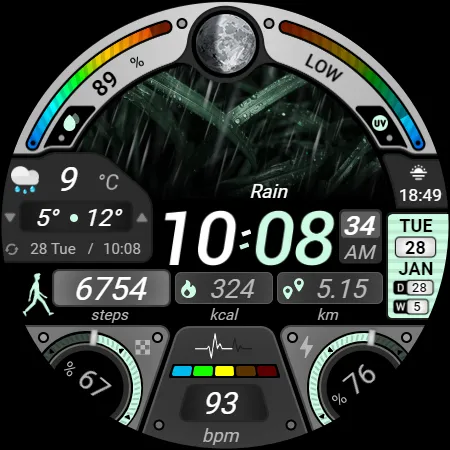
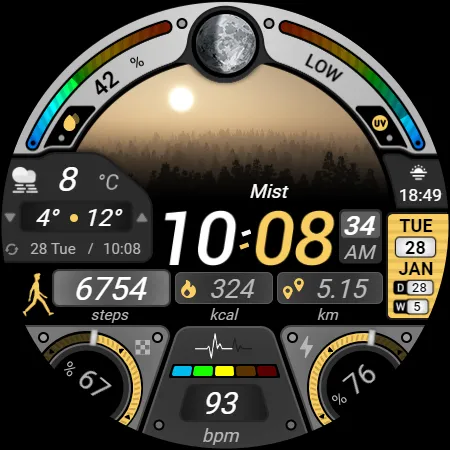
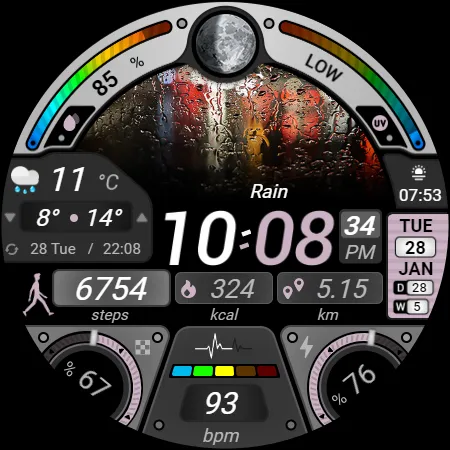
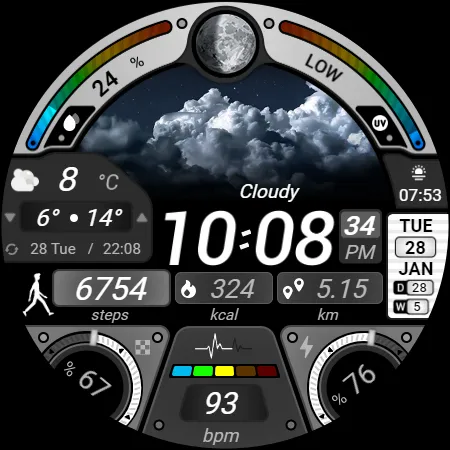
● 🌤️ Weather images by weather conditions (Different images for day and night)
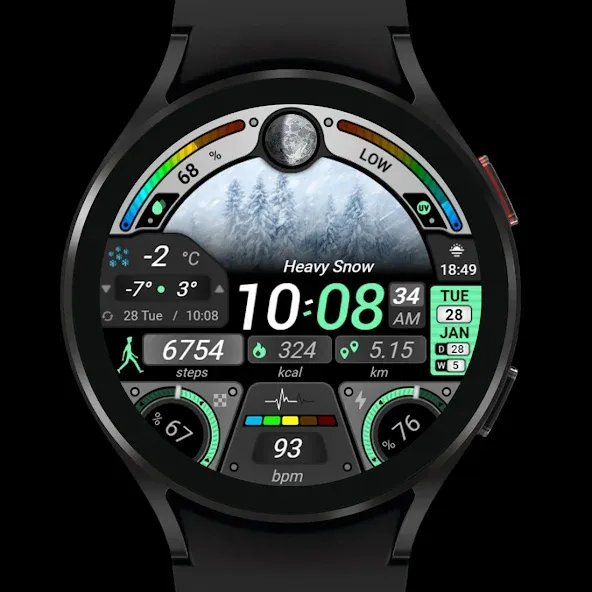
● 🌡️ Weather with High - Low temperature (Update Time)
● 🌧️ Chance of precipitation and Ultraviolet index with indicators
● 🌞 Sunrise/Sunset - Live moon phases
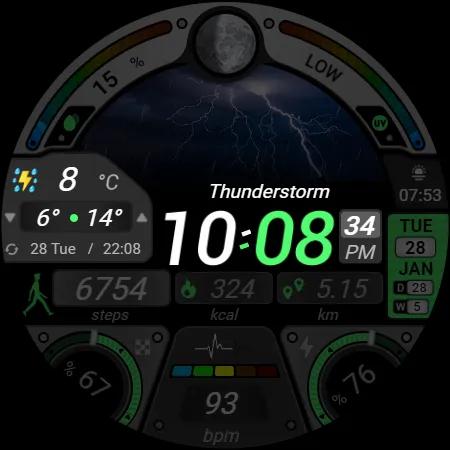
● 🎨 25 Colour variants - Animated icons
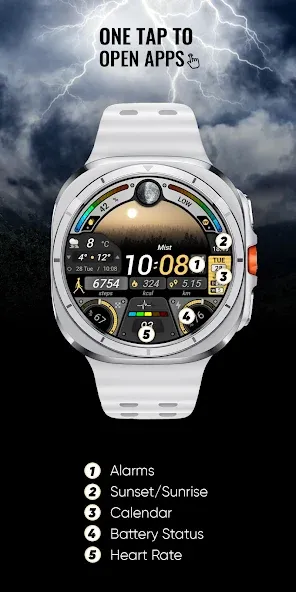
● 📊 Steps - Calories - Battery - Heart rate - Calendar
● 🕒 12/24 H (Based on your phone time setting)
● 🚧 Km/Mil supported (Automatically selected based on phone language (in United States and United Kingdom))
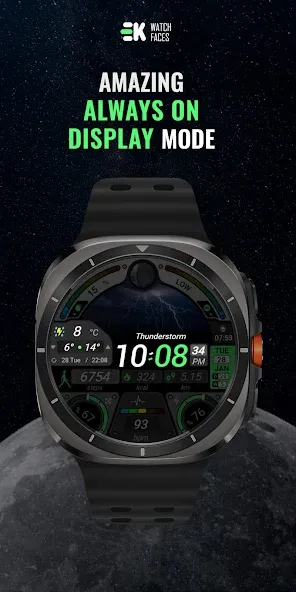
● 👀 Always on display supported
🔑 For full functionality, please manually enable Sensors & receive complication data permissions!
WEB
https://www.ekwatchfaces.com
INSTAGRAM
https://www.instagram.com/ekwatchfaces
FACEBOOK
https://www.facebook.com/ekwatchfaces
TWITTER
https://twitter.com/ekwatchfaces
PINTEREST
https://www.pinterest.com/ekwatchfaces
YOUTUBE
https://bit.ly/2TowlDE
Advertisement