 Inkpad Notepad & To do list
4.6
Productivity
Ratings
Downloads
Age
Advertisement
Advertisement
Name
Category
Price
Safety
Developer
Version
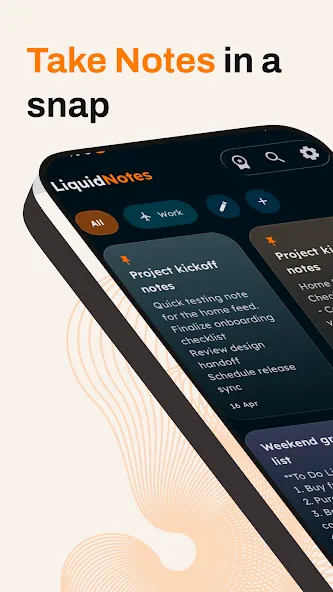
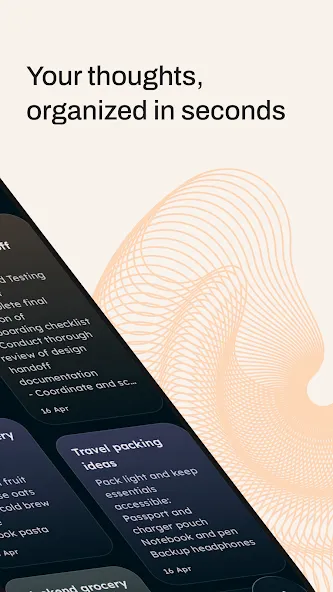
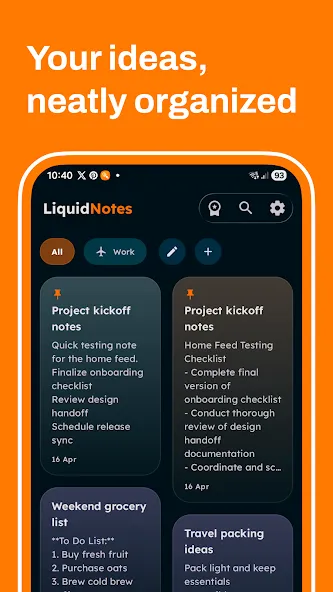
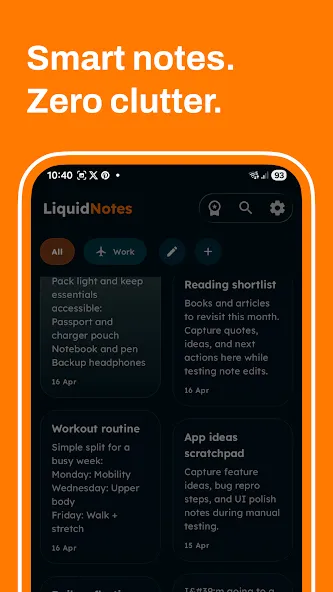
Liquid Notes is a clean AI notepad and offline note taking app for capturing ideas, checklists, voice notes, photos and drawings. Write without an account, organize everything in groups, set reminders, and sync when you choose.
Capture Every Kind of Note
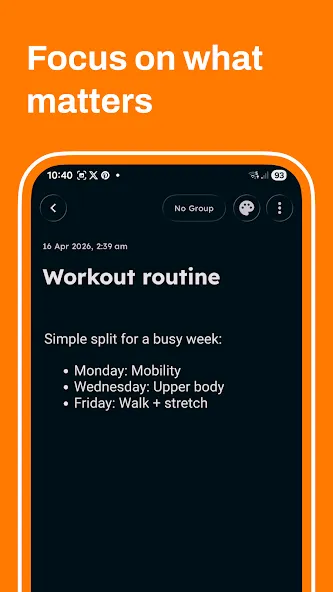
• Write quick notes, long-form ideas, meeting notes, study notes and journal entries
• Create interactive checklists for to-do lists, grocery lists and everyday planning
• Add photos and images
• Record and play voice memos
• Sketch ideas with built-in drawing tools
• Use note colors to make important content easy to recognize
• Set a date and time reminder for any note
A Calm, Capable Note Organizer
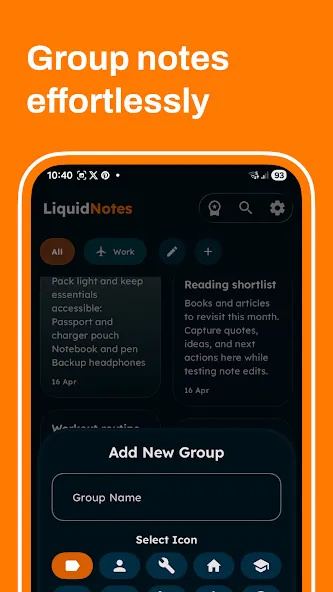
• Arrange your digital notebook with custom groups
• Search across all your notes
• Pin important notes to the top
• Sort by newest, oldest or title
• Browse notes by date in Calendar
• Archive notes without permanently deleting them
• Select multiple notes to pin, archive or delete them together
• Add Recent Notes and Quick Actions widgets to your home screen
• Schedule a daily writing reminder
Write Smarter With AI
Use the AI writing assistant to turn a prompt into a structured note, continue an idea, rewrite text clearly, fix grammar or summarize longer content. Review every result before inserting it, replacing text or generating another version. Using the current note as AI context is always your choice.
Share Notes Through Circle
Circle is a focused, one-to-one space for exchanging notes with people you trust.
• Invite people with your reusable personal link
• Accept or decline connection requests
• Send rich notes instead of scattered chat messages
• Keep separate Received and Sent views
• Receive notifications for new requests and shared notes
Circle content stays separate from your personal notebook. It is designed for deliberate note sharing, not live document collaboration.
Sync and Back Up When You Want
Liquid Notes works offline first, so you can start writing without an account or internet connection. Sign in with Google when you want connected features.
Premium can keep notes synced in real time across your signed-in devices, expand AI usage, remove banner ads, and enable Google Drive backup, restore and automatic backup.
Make It Yours
Choose light, dark or system appearance, explore multiple color themes, and use Liquid Notes in English, Spanish, French or Hindi.
Use Liquid Notes as a personal notepad, digital notebook, journal, study notes app, meeting notes organizer, voice memo recorder, checklist maker or place for everyday ideas.
Some connected features require Google sign-in, internet access or Premium. The standard version may contain ads.
Advertisement