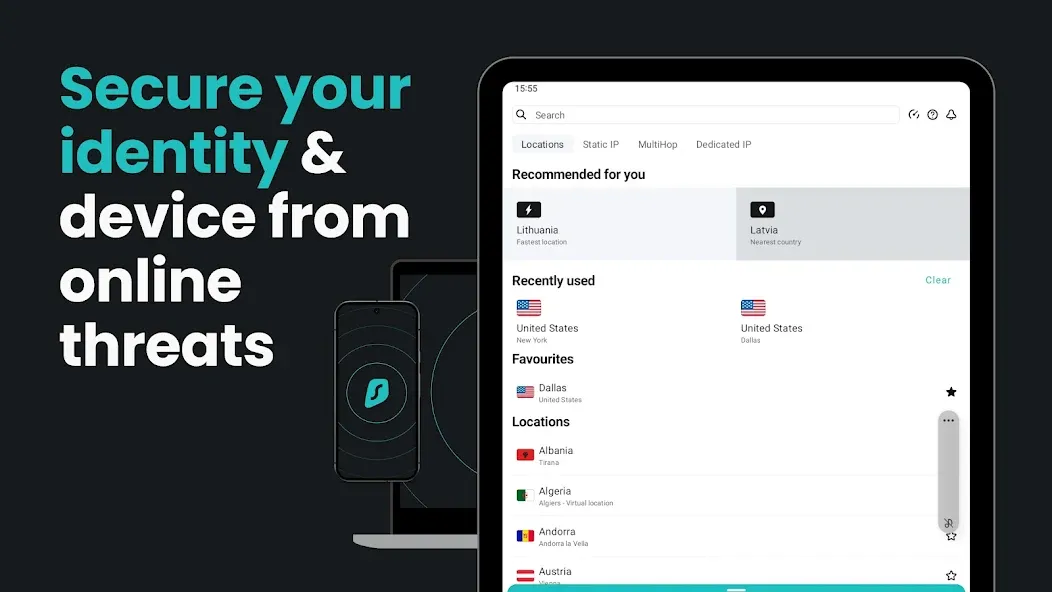
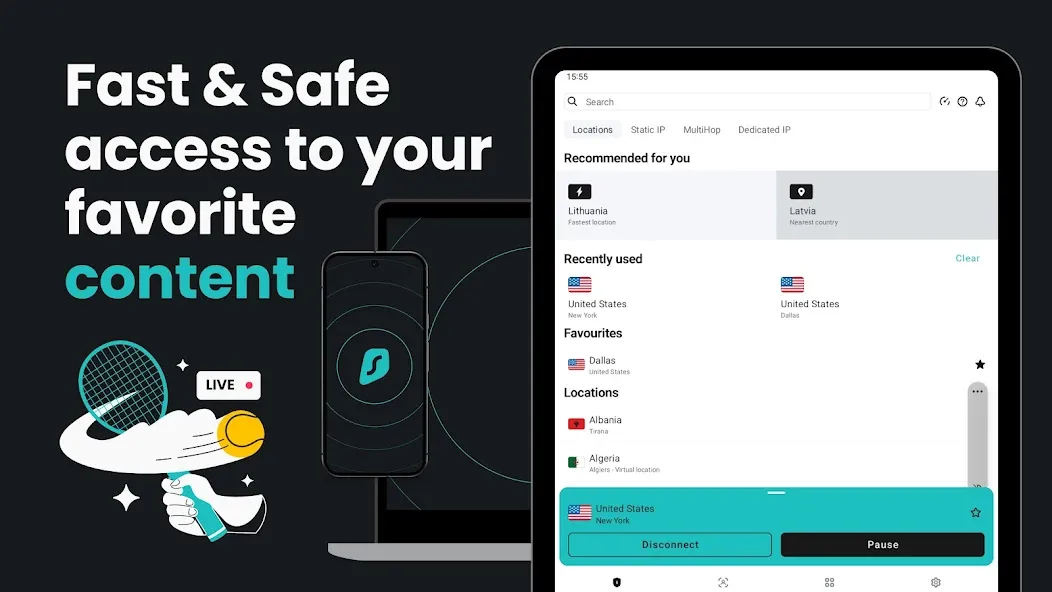
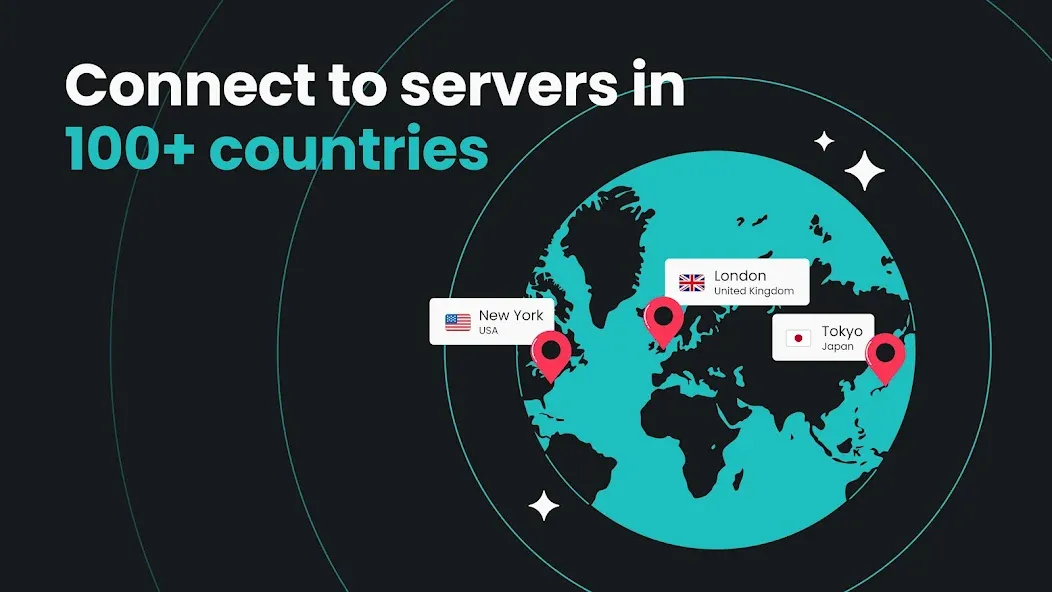
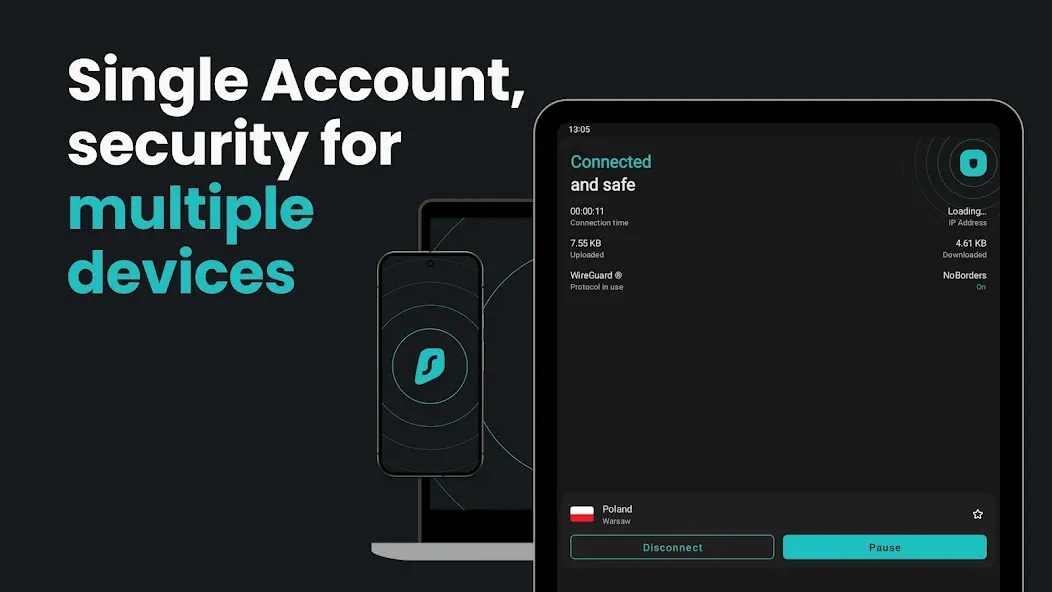
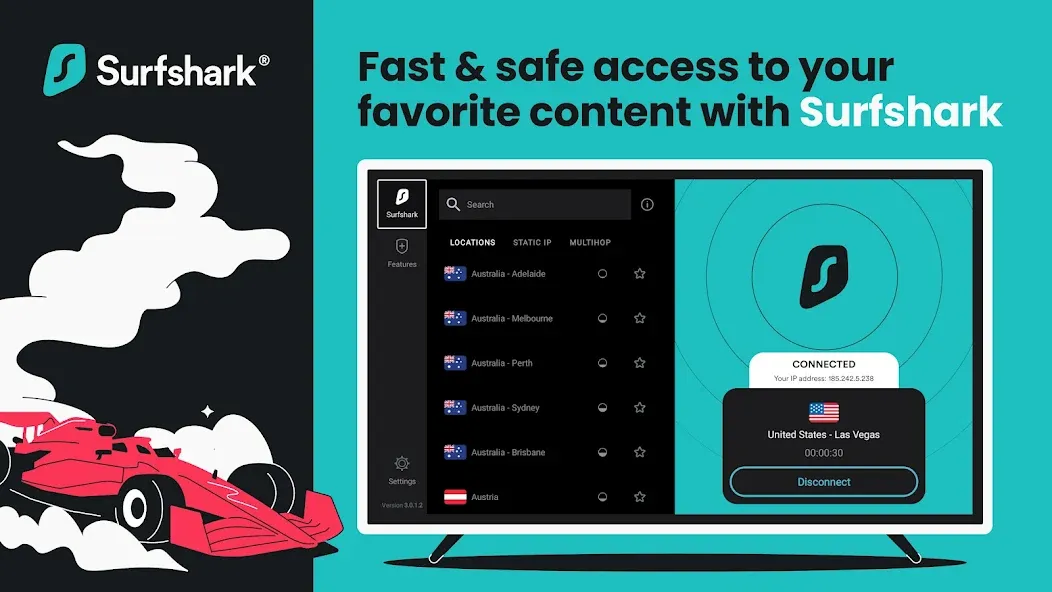
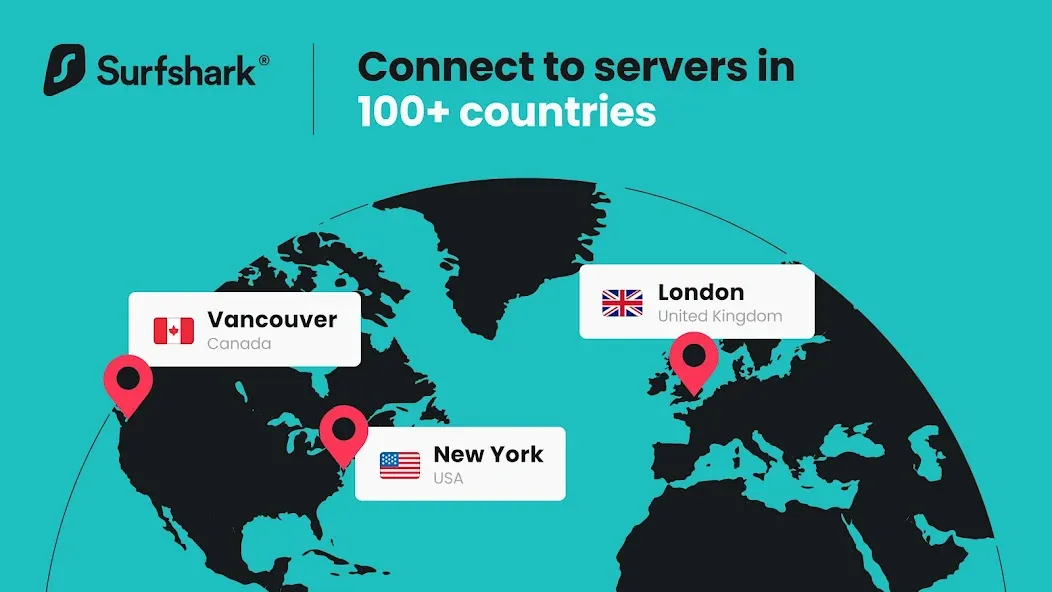
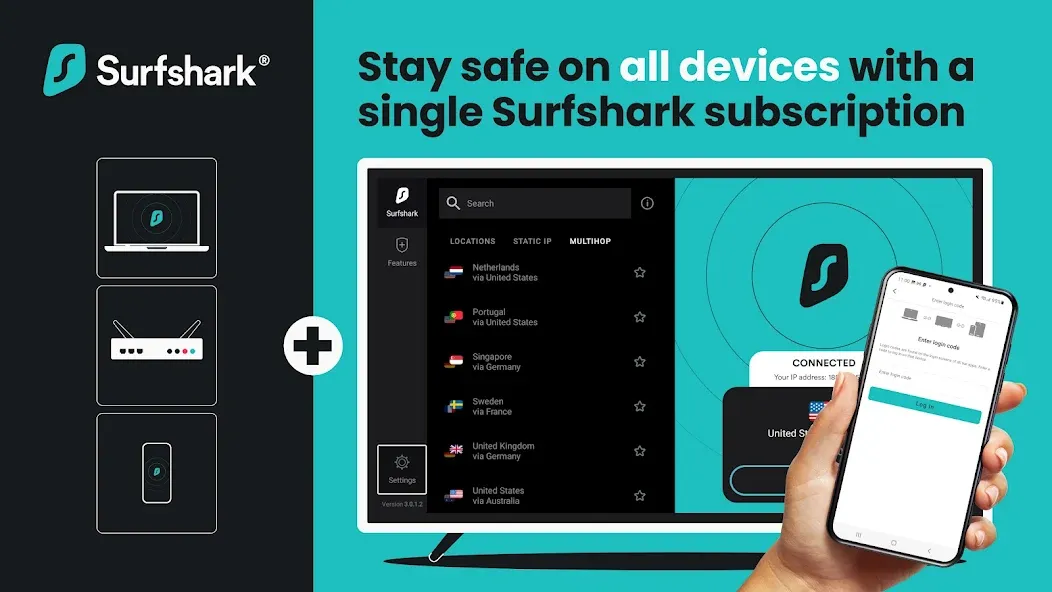
Surfshark is a secure VPN and online security app that helps everyday Android users protect their internet connection, block ads and trackers, and reach content from other countries. One subscription covers unlimited devices — phones, tablets and Android TV — with 4,500+ servers in 100+ locations. It’s built for people who want a fast, private internet connection without learning anything technical.
Why choose Surfshark?
✓
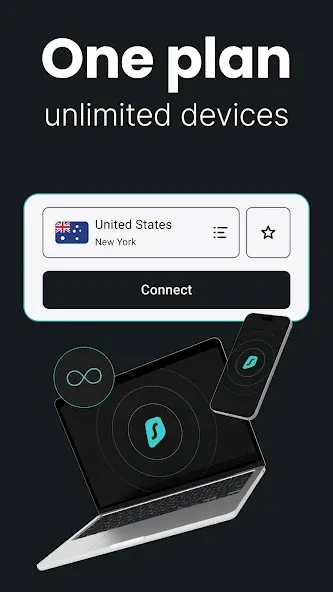
Unlimited devices on one account — protect the whole household.
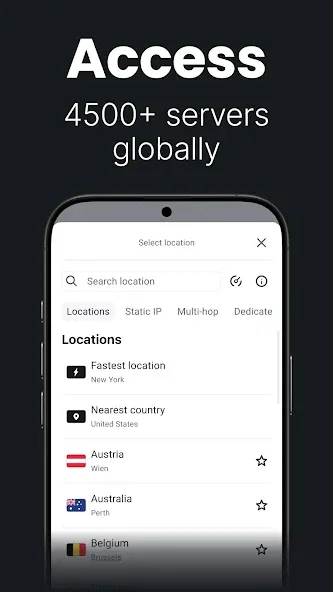
✓ 4,500+ servers in 100+ locations, including a
USA VPN and UK, Japan, Germany, Brazil, India.
✓
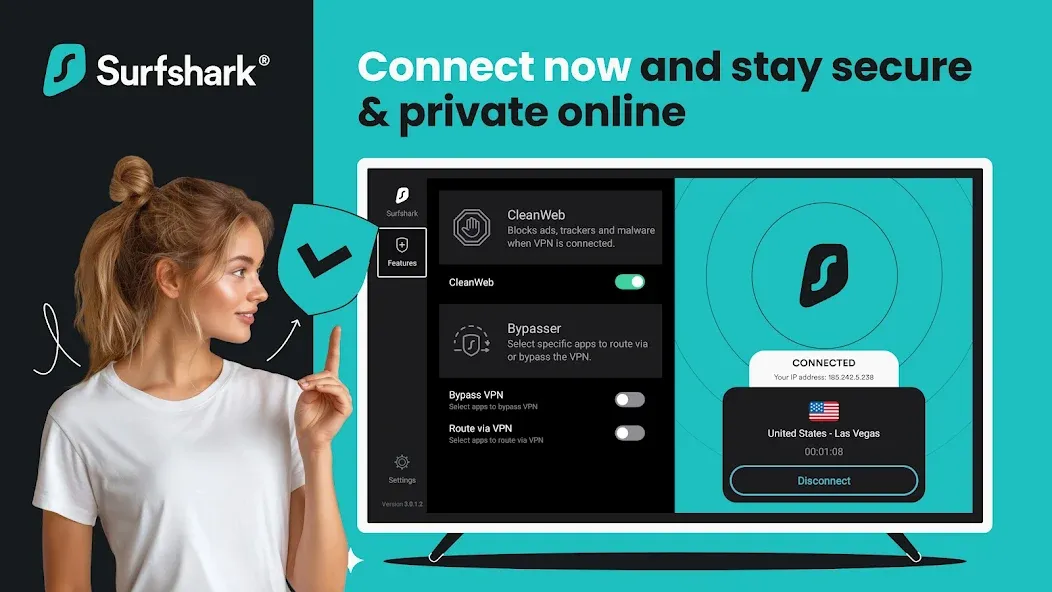
Ad blocker built in — no second app to install.
✓ Post-quantum WireGuard and a proprietary protocol for a
fast VPN connection.
✓ Set-and-forget: one tap connects, auto-connect keeps it on.
Private and secure by default
•
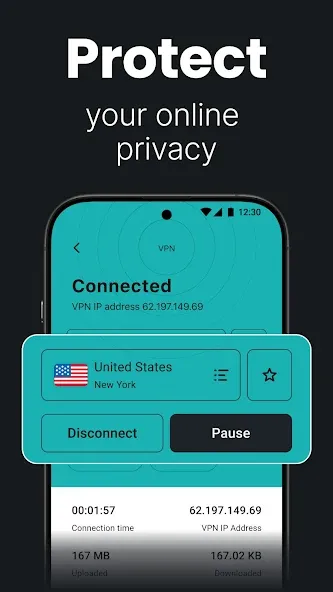
Secure VPN encryption hides your traffic from your internet provider, network owners and snoopers
•
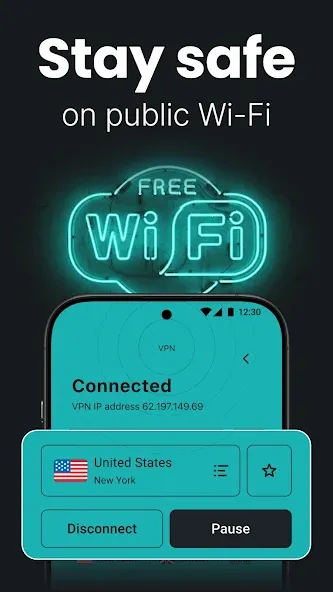
Public Wi-Fi protection — connect at airports, hotels and cafés without exposing logins or card details
•
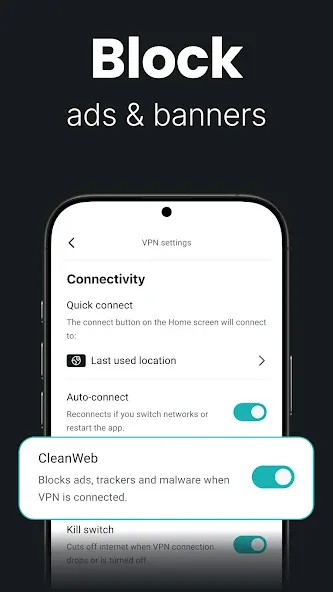
Ad blocker stops ads, trackers and malicious pages, so pages load faster and fewer companies profile you
•
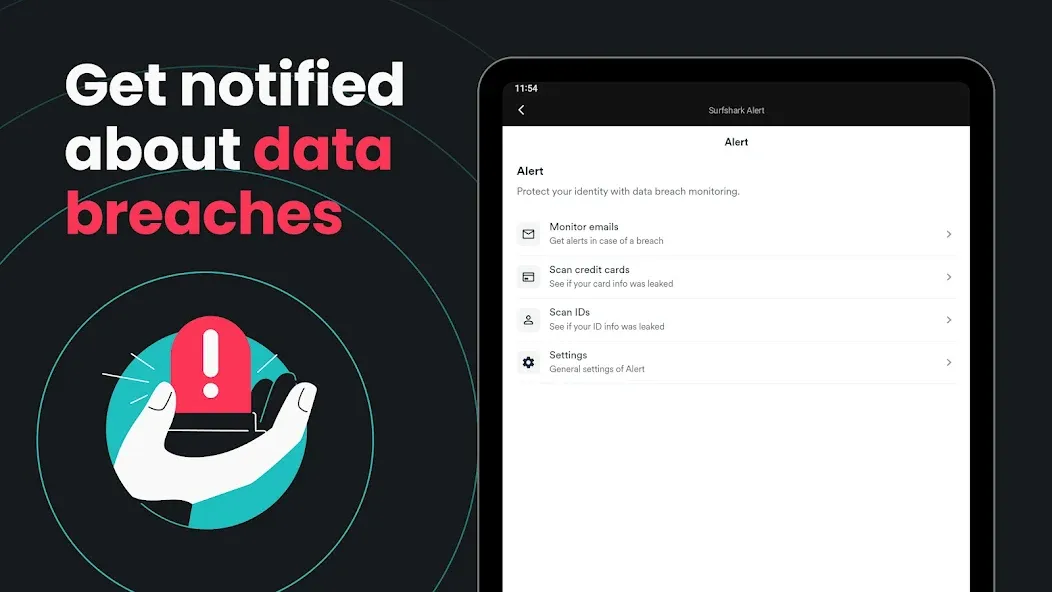
Data leak monitoring alerts you if your email, ID or card shows up in a breach, so you can change passwords early
•
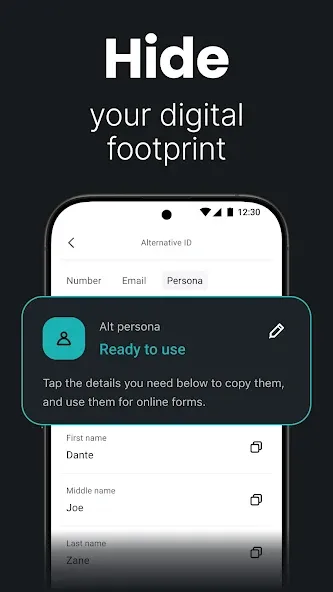
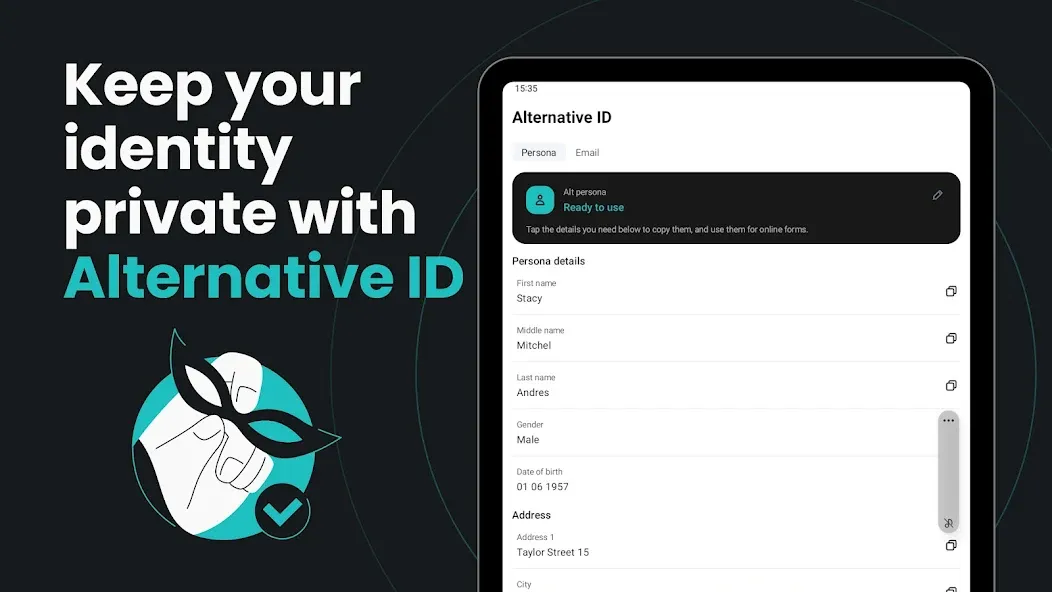
Personal data masking creates alternative details for sign-ups, keeping your regular email out of marketing lists
•
Phone number masking gives you a spare number so your regular one stays private
•
Text message protection flags phishing links in your messages before you tap them
•
Antivirus and
email scam checker catch malware and fake messages
•
Web content blocker, Dynamic Multi Hop, Rotating IP and Dedicated IP for advanced control
Common questions
Can I use Surfshark on all my devices?Yes. One subscription covers unlimited devices at the same time — Android phones, tablets, Android TV, laptops and more.
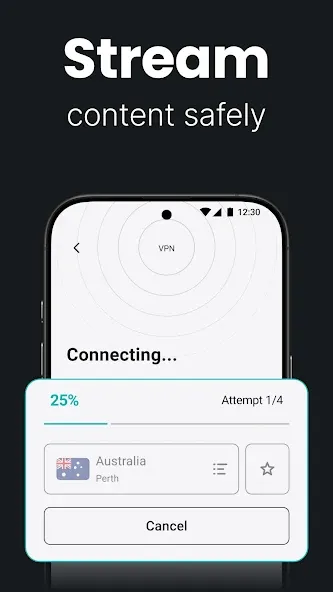
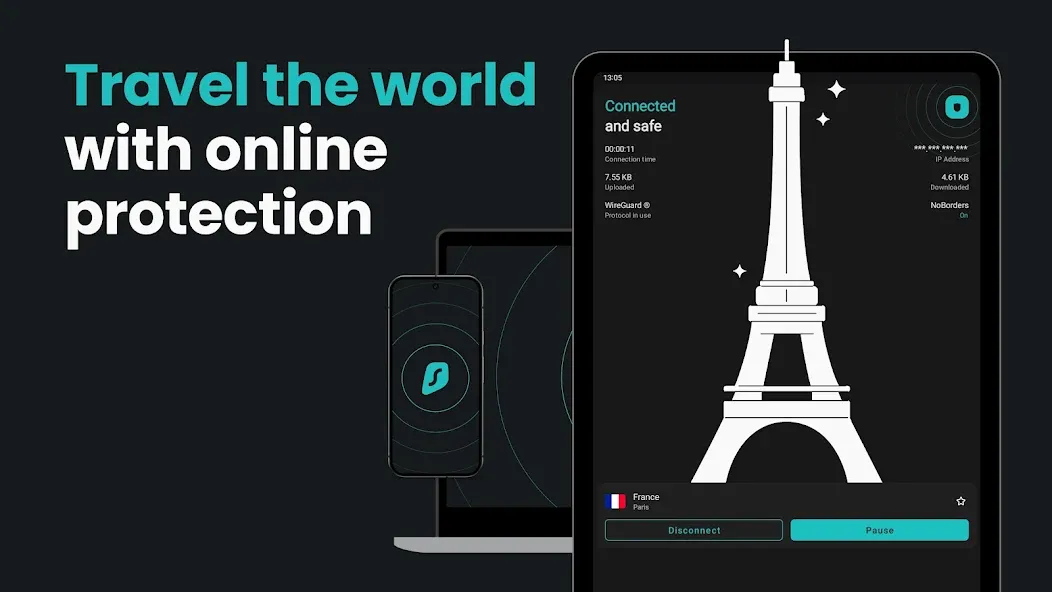
Does Surfshark work for streaming while travelling?Yes. Connect to a server in your home country to reach the streaming platforms and websites you already pay for while abroad.
Is Surfshark a fast VPN?Surfshark uses WireGuard and its own protocol for high-speed connections built for HD streaming, gaming, and large downloads.
How do I set up Surfshark on my Android phone?Install the app, sign in, and tap Connect. Auto-connect can turn the
VPN on automatically whenever you join an unknown Wi-Fi network — no manual setup needed.
When to use it
→ On public Wi-Fi — airports, hotels, cafés, campuses
→ Traveling — reach your home country’s content and services abroad
→ Streaming and gaming — a
fast, secure VPN that keeps speeds high
→ Family devices — cover everyone’s phones and tablets with one plan
→ Everyday browsing — fewer ads, fewer trackers, less profiling
How it works
1. Install Surfshark and sign in
2. Tap Connect, or pick from 100+ locations
3. Browse, stream and shop on a protected connection
Works with your devices
Android phones, tablets, Android TV, plus Windows and browser extensions.
Get a secure VPN, an ad blocker, and everyday online protection in one app. Online security made easy.
Privacy policy:
https://surfshark.com/privacyTerms of service:
https://surfshark.com/terms-of-service


 Opera: Private Web Browser